Loginizer banner

Subscribe to Newsletter

Subscribe to get latest article or newsletter of our products

By entering your email, you agree to our Terms of Service and Privacy Policy.

Note: If a Loginizer account does not exist it will be created.

Buy Now
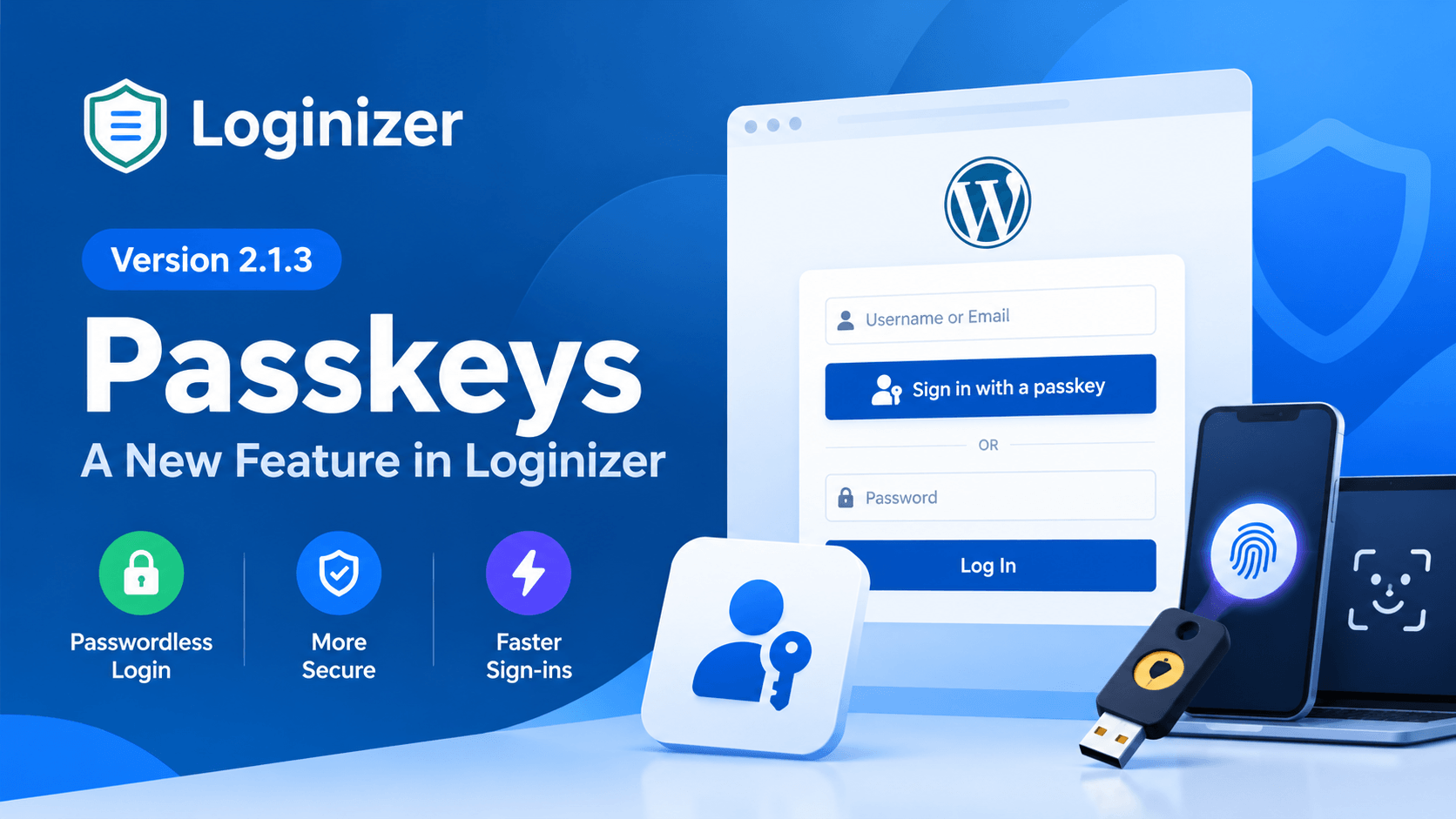
Loginizer 2.1.3 Introduces Passkeys for Faster, More Secure Logins

This is a major release v2.1.3, this is a major release which comes with a new Feature Passkeys, and a security fix, and with a lot of improvements and bug fixes.

The changes are listed below :-

  • [Security] Fixed a security issue in the HybridAuth library used by Social Login. [Reported by Nathan Cross (CyberBadger)]
  • [Feature Pro] Passkeys: You can now log in to your website using passkeys, making authentication faster, easier, and more secure without the hassle of passwords.
  • [Improvement Pro] Microsoft Social Login now identifies users by their Microsoft account ID instead of their email. The first Microsoft login to an account, or a registration, is now confirmed with a code sent to the user's email.
  • [Improvement] Social Login error messages are now escaped before being shown on the login page.
  • [Improvement] The Backuply install option now requires the install plugins capability.
  • [Bug-Fix Pro] Resetting the 2FA app secret key is now only possible from the 2FA settings page, that has been fixed.
  • [Bug-Fix Pro] 2FA emergency codes were not always removed after use, that has been fixed.
  • [Bug-Fix Pro] Username enumeration protection was not blocking all variations of the REST users endpoint, that has been fixed.
  • [Bug-Fix Pro] Users were not able to save their account settings on the Ultimate Member account page, that has been fixed.
  • [Bug-Fix] Social Login now refuses a login when the provider returns an invalid email, instead of sanitizing it.
  • [Bug-Fix] Login notification email was causing a fatal error when Really Simple Security 2FA was used, that has been fixed.
  • [Bug-Fix] Security settings page input fields would show empty fields when saved, this has been fixed.

Passkeys

Passkeys are a modern, more secure way to log in to websites without having to remember or enter a password. Instead, you can verify your identity using your device's built-in security features, such as your fingerprint, face recognition, or device PIN.

Unlike traditional passwords, passkeys are designed to protect you against phishing and password theft. They use a pair of cryptographic keys to verify your identity securely, without sharing a password with the website.

With passkeys, logging in becomes faster, easier, and more secure, making them a convenient alternative to traditional passwords.
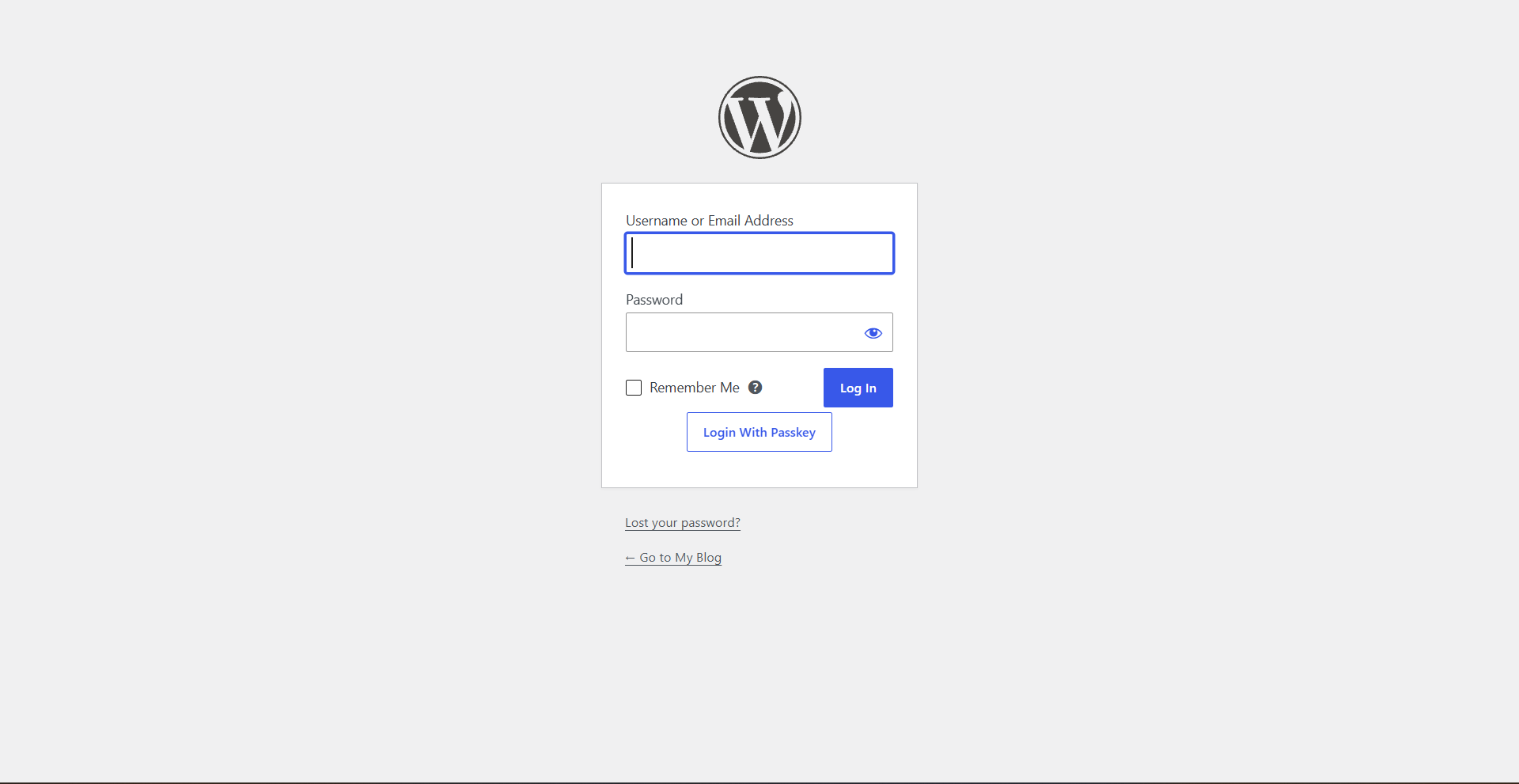
Login with passkey button
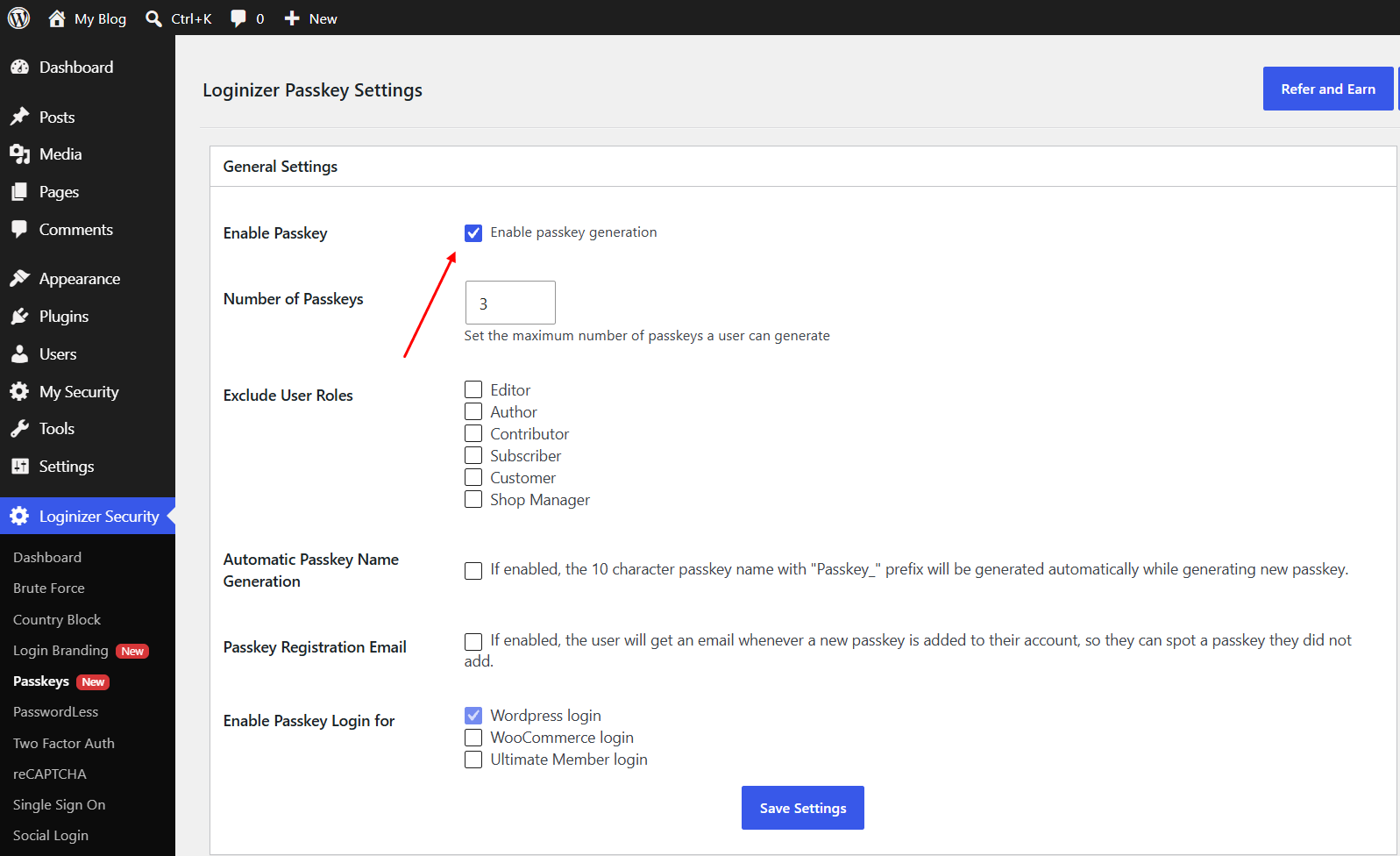
Enabling passkey in Loginizner

For step by step guide on how to setup Passkey in Loginizer you can check out this guide 

The Loginizer team is working constantly to improve our product and if you have any feedback or suggestion you can write to us at [email protected]

Newsletter Subscription
Subscribing you to the mailing list